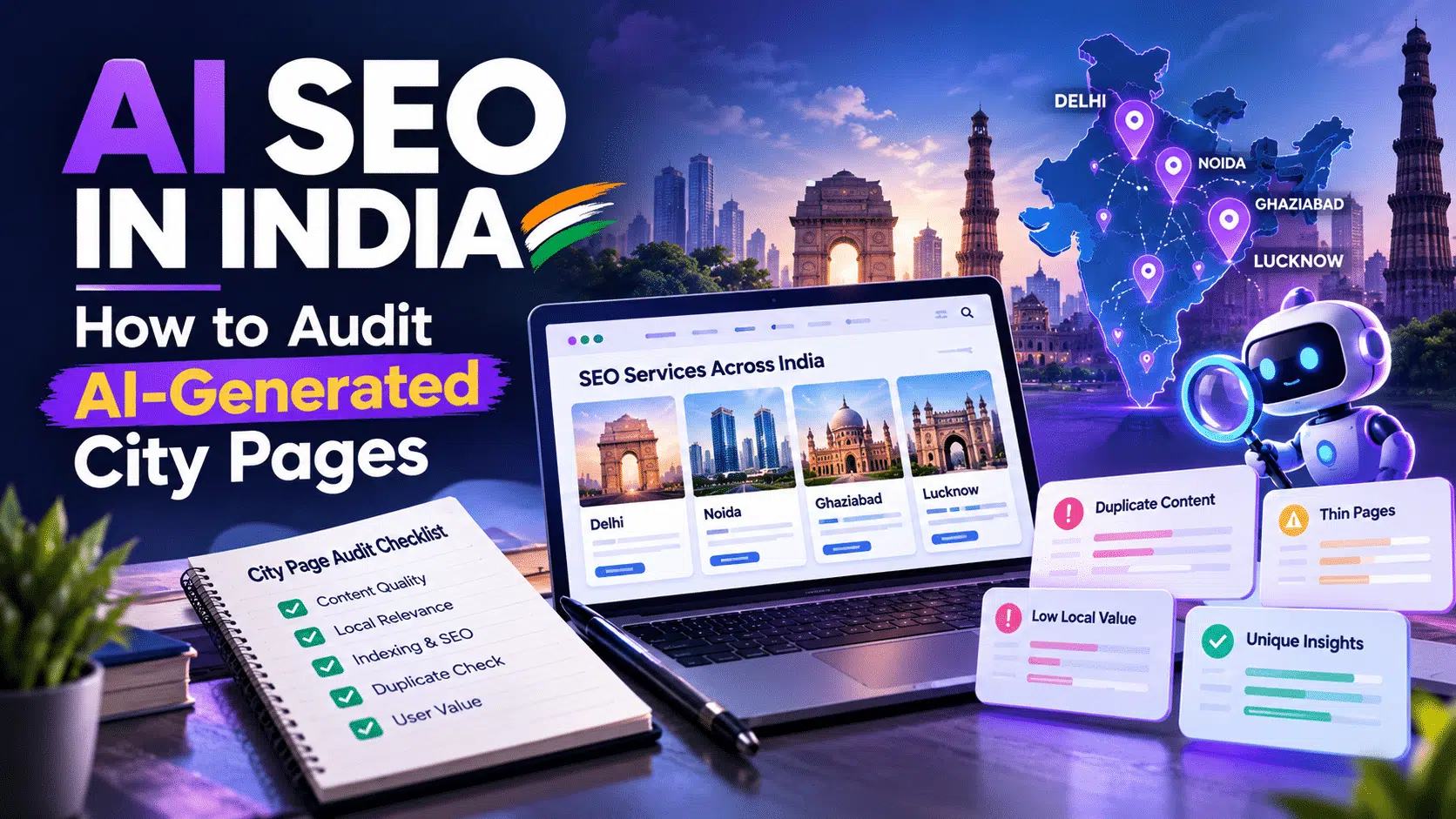
Indian businesses often create separate landing pages for the cities they serve. AI tools make drafting these pages faster, but publishing more URLs does not automatically improve organic traffic. If several pages contain almost identical information, they may offer little additional value to visitors.
Before expanding a city-based SEO campaign, website owners should examine the purpose, accuracy, usefulness and search performance of their existing pages.
What Are AI-Generated City Pages?
AI-generated city pages are landing pages created with assistance from artificial intelligence to target services in different locations. Examples include SEO services in Noida, digital marketing in Ghaziabad and website development in Lucknow.
These pages can help users find relevant service information when the business genuinely serves those locations. Problems arise when the same template is repeatedly published with only the city name changed.
Does Google Penalise AI-Generated City Pages?
Google does not prohibit content simply because AI was used to create it. Its official guidance on AI-generated content warns that generating many pages without adding value may violate its scaled content abuse policy.
Another relevant policy is doorway abuse. This can involve similar pages targeting different cities or queries that funnel visitors towards the same destination without offering useful, distinct information.
Having multiple location pages does not automatically mean a website violates these policies. The actual purpose, content and experience provided to users matter.
1. Identify Pages That Serve the Same Purpose

Start by exporting city-page URLs from your website’s sitemap or content management system. Create a spreadsheet containing each URL, target location, service, index status, clicks and impressions.
Group pages by service and search intent. If several URLs target nearly identical searches and describe the same offer, compare them carefully.
For example, two pages might both describe SEO audits, keyword research and monthly reporting. If the only meaningful difference is the city name, the second page may not provide visitors with anything new.
Similarity is a reason to investigate, not proof of a Google policy violation.
2. Compare the Actual Content
Review each page’s title, introduction, service details, examples, FAQs, images and contact information. Do not decide whether a page is unique merely by looking at its word count or checking whether sentences have been rewritten with synonyms.
Ask three questions:
- Does this page answer a specific customer question?
- Does it contain accurate information that is useful for this location?
- Would a visitor learn something meaningful that is missing from the other pages?
If the answers are unclear, improve the page before creating more versions of the same template.
3. Verify Every Local Claim
AI tools can generate convincing statements that have not been verified. Check claims about office addresses, service availability, local projects, testimonials, pricing and delivery timelines.
A business may serve customers in a city without having a physical office there. The page should explain this arrangement accurately rather than implying that a branch exists.
Original information can include a genuine project example, a verified service limitation or an accurate explanation of how work is delivered. Do not invent customers, local results or reviews to make a page appear more relevant.
4. Decide Whether a Separate Page Is Necessary
Not every city needs its own landing page. If a company provides the same service in every location and has no useful location-specific information, a single service page with a clear list of service areas may be more appropriate.
Separate city pages may be useful when customers have different needs, service arrangements vary by location, or verified local information helps visitors make a decision.
The decision should depend on customer value, not on how many pages a website can produce.
5. Check Search Performance and Technical SEO
Use Google Search Console to review impressions, clicks, click-through rate and the queries associated with each URL. Check whether pages are indexed and whether multiple pages appear for the same search intent.
Low traffic alone does not prove that a page is poor or violates a spam policy. A location may have limited demand, a page may be new, or competitors may have stronger resources. Performance data should guide further investigation rather than trigger automatic deletion.
Also check the page’s indexability, canonical URL, HTTP status, mobile usability and relevant internal links. Structured data should accurately reflect the content and should not suggest a business location or feature that does not exist.
6. Choose the Right Action for Each Page
After reviewing the pages, assign an appropriate next step:
- Keep: The page serves a distinct purpose and provides useful, verified information.
- Improve: The page is relevant but lacks important details or supporting evidence.
- Consolidate: Multiple pages serve substantially the same purpose and could be combined.
- Remove or redirect: A page is obsolete or has no useful independent purpose. Review its traffic, links and business role before changing its URL.
These are practical editorial decisions, not official Google scoring categories. There is no universal word count or percentage of unique text that guarantees compliance.
Final Audit Checklist
Before publishing a city page, ask: Who is this page for? What does it help the visitor do? Are its claims verified? Does it contain useful information beyond the location name? Is it technically accessible to search engines?
Google’s spam policies and helpful content guidance are useful references for this review. The objective is to create pages that genuinely help people, rather than multiplying URLs simply to target more searches.